Notion Quick Capture with Raycast
Enable a Todoist-like quick capture functionality using Raycast for Notion

One of the main drawbacks for Notion is there is no instant quick capture of an idea, due to the functionality not existing, and current workflow would require the Notion app to startup which can take several seconds.
I recently wrote a Raycast extension to add this functionality to Notion. Other solutions exist, but this is a free, open source solution leveraging strictly the Notion API.
The Code
https://github.com/hugivar/hugiOS/tree/main/packages/raycast/extensions/notion-quick-capture
Using the extension
This extension hasn’t been publish on the Raycast store as it is currently for my own usage
Download the HugiOS monorepo to your local computer
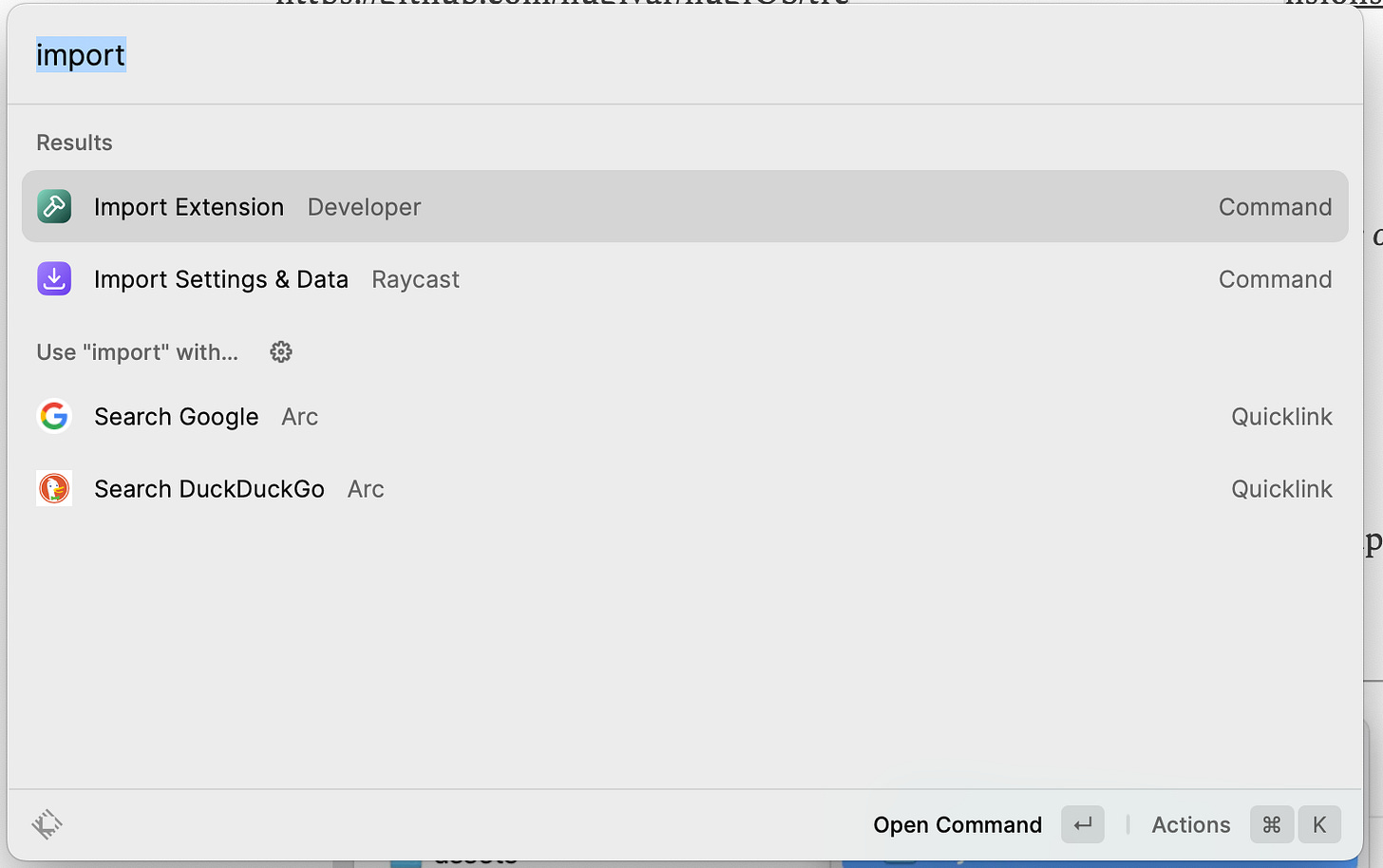
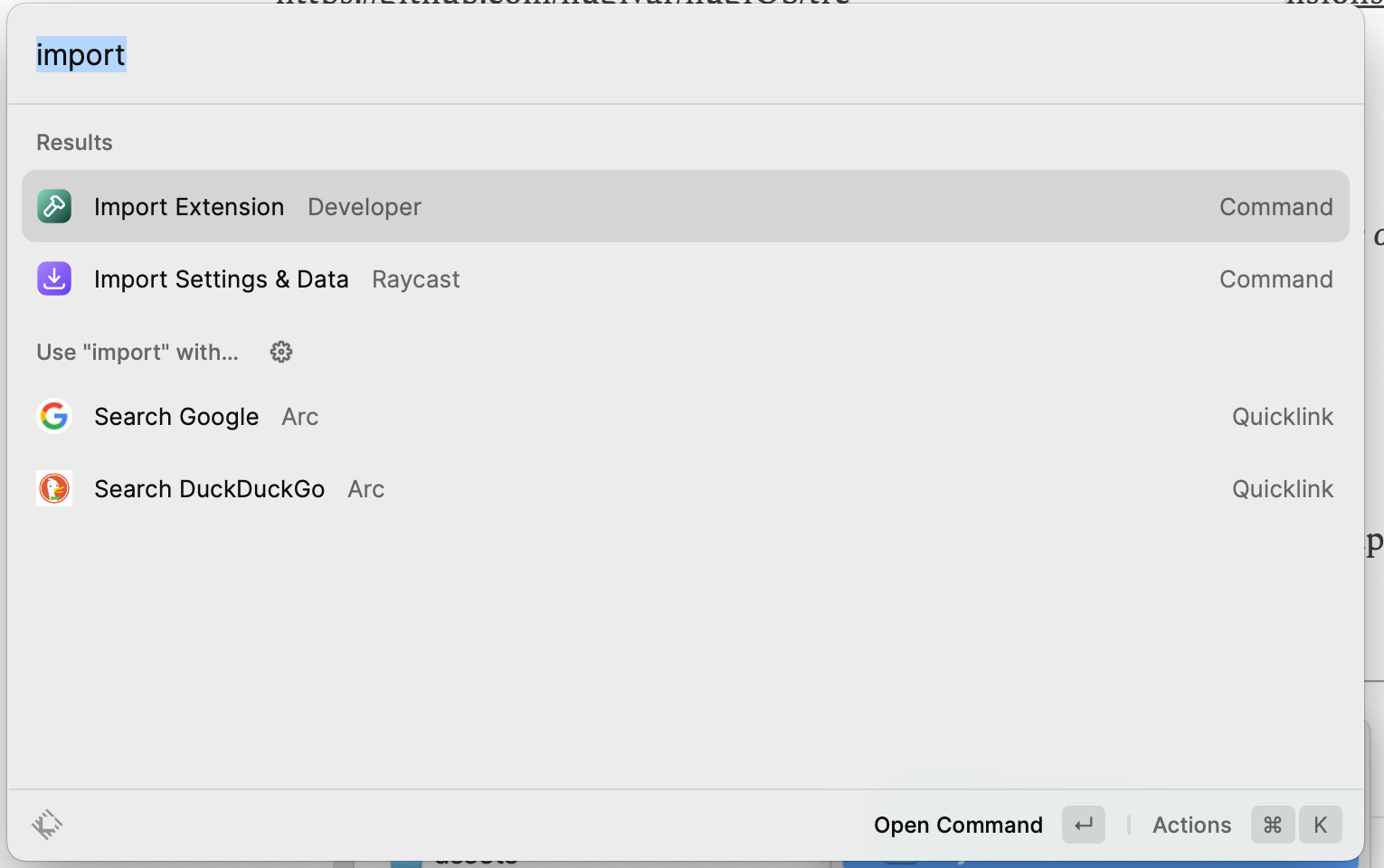
Open Raycast and select “Import Extension”
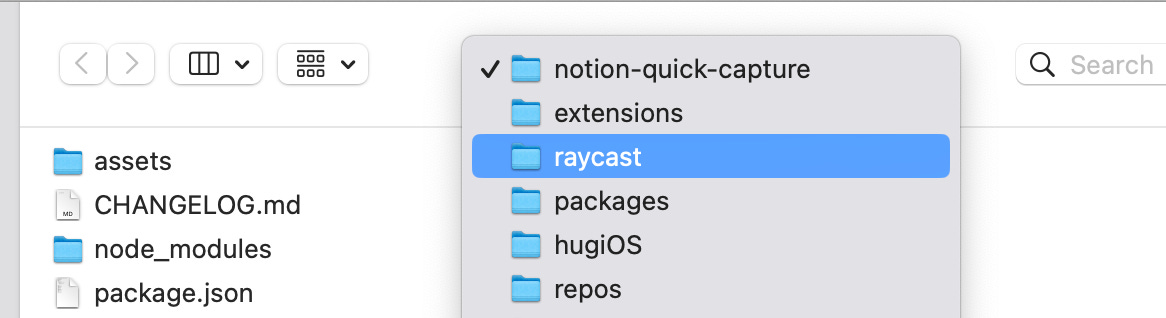
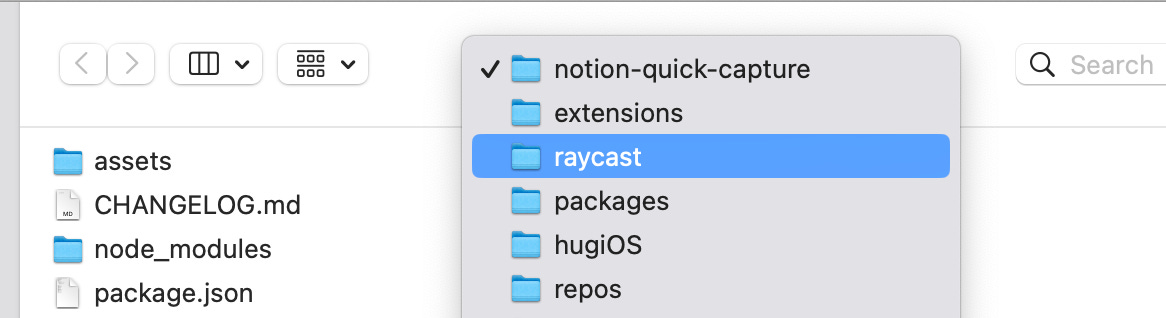
Navigate in the finder window until you have the “Notion Quick Capture” folder selected
Run the extension. Finish your setup by inputting the Notion databaseId of your “inbox” or quick capture database
Finding your database Id
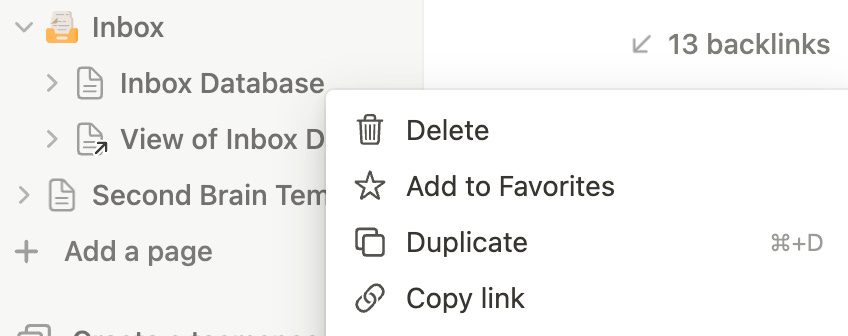
Within the notion app, navigate to your specific Notion database page
Select “Copy Link”
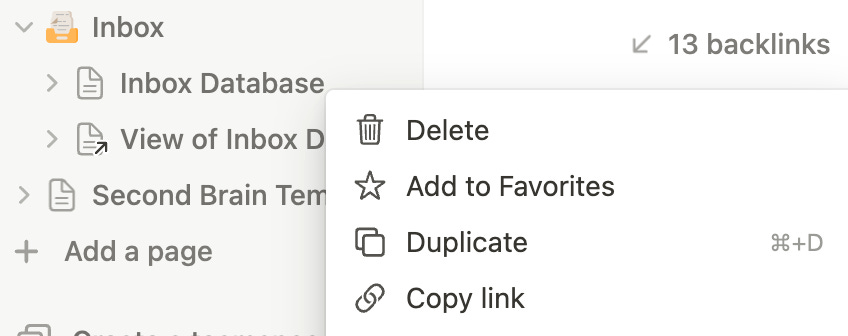
From that link you can extract your database id. It will be the GUID immediately after the primary url (https://www.notion.so)